By Thomas Echezabal, AI Automation Coach, thomasknows.ai
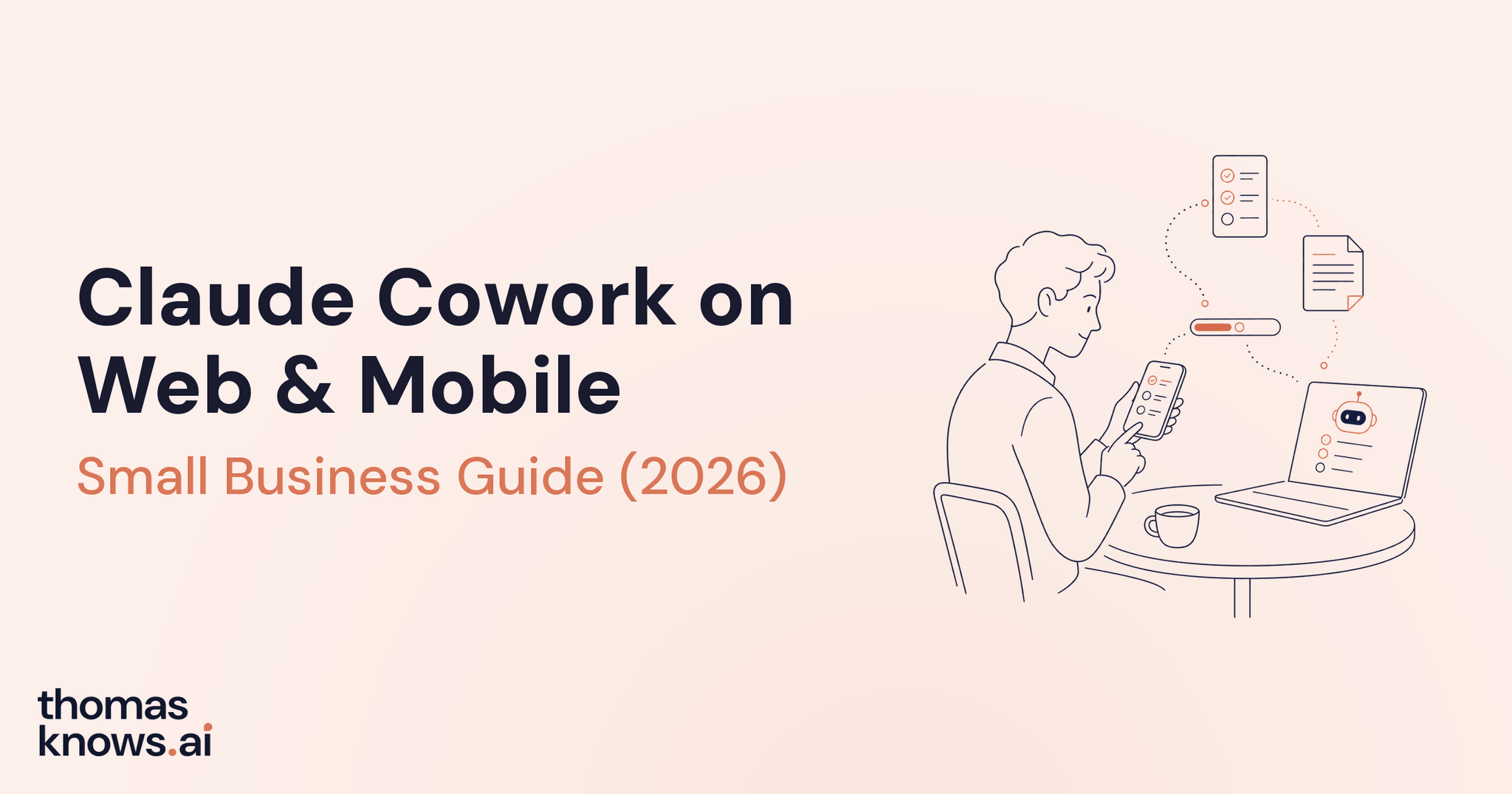
Claude Cowork now runs on web and mobile, not just the desktop app - you can open claude.ai in a browser or the Claude app on your phone, hand off a task, and let it keep going whether or not your laptop is anywhere near you. Anthropic shipped the expansion on July 7, 2026, according to its official announcement, moving Cowork off the single machine it launched on earlier this year and onto whatever screen is actually in front of you when the work needs to start.
This guide covers what changed, which plan gets you access, how to start and steer a task from your phone or a browser, and where desktop still does things web and mobile can't. I've also written a fuller walkthrough of Claude AI basics for small business owners if you haven't set up Cowork on desktop yet - this guide assumes you're deciding whether to also run it from your phone, not setting it up cold.
Key Takeaways
- Cowork runs on supported web, desktop, iOS, and Android surfaces when the exact plan, account, workspace policy, and rollout allow it
- Web and mobile access launched July 7, 2026, following desktop's own path from a January research preview to general availability on April 9, 2026
- A task keeps running on Anthropic's servers when you close your laptop or lock your phone - it doesn't stop with your device
- You can start a task on one device and pick it up mid-task on another, with a notification on your phone when it's ready to review
- Reading and writing local files, local Connectors, browser use, and computer use still require the Claude desktop app open on that computer
- Temporary launch promotions have expired, so verify the current usage allowance rather than relying on the July rollout offer
Table of Contents
- What Is Claude Cowork on Web and Mobile?
- Which Claude Plan Do You Need?
- How to Start a Cowork Task From Your Phone or Browser
- How to Monitor and Steer a Task Without Sitting at Your Desk
- What Works on Web and Mobile vs What Still Needs Desktop
- Claude Cowork Web and Mobile vs ChatGPT Work
- What Stays on Desktop: The Honest Limits
- FAQ
What Is Claude Cowork on Web and Mobile?
Claude Cowork on web and mobile is the same task-completion agent that launched on Claude's desktop app, now reachable from a browser at claude.ai or the Claude app on iOS and Android. You describe an outcome instead of a single prompt, Claude plans the steps, and it works through them on its own, checking back with you only when a decision needs a human call. What changed on July 7, 2026 isn't the agent itself - it's where you're allowed to sit when you hand off the work.
Say you're a consultant managing eight retainer clients, and one of them just moved up a deadline. It's 7 a.m. on a Monday and you're not at your desk. Instead of waiting until you're at your laptop, you open the Claude app on your phone, describe the update you need pulled together from last week's calls and emails, and start the task from the couch. The session doesn't run on your phone's battery - it runs remotely, in an isolated sandbox on Anthropic's servers, so your phone can go back in your pocket while the work continues.
That remote-session design is what makes cross-device work possible in the first place. The task lives on Anthropic's account infrastructure rather than on one device, so the same session you started on your phone shows up if you open claude.ai on a laptop an hour later. Nothing gets copied over - it's the same thread.
Which Claude Plan Do You Need?
Anthropic lists Cowork with paid individual and organization plans, but the exact surface still depends on the account, workspace policy, administrator settings, region, and rollout. Confirm the Cowork option in the target web, mobile, or desktop account before teaching the workflow.
Say you run a two-person bookkeeping practice on a Team plan and your business partner is on Max because she also uses Claude Code for a side project. Both of you get the identical Cowork access across desktop, web, and mobile - plan tier controls usage limits and model access, not which surface you're allowed to open.
| Surface | Devices | Plans |
|---|---|---|
| Desktop app | macOS, Windows, ChromeOS, Linux | Pro, Max, Team, Enterprise |
| Web | Any browser at claude.ai | Pro, Max, Team, Enterprise |
| Mobile | iOS, Android | Pro, Max, Team, Enterprise |
Desktop took a staged path to get here, followed by the web and mobile expansion on July 7, 2026. Use Anthropic's current Cowork surface guide for current plan and workspace eligibility.
How to Start a Cowork Task From Your Phone or Browser
Starting a task on web or mobile follows the same shape as desktop - describe the outcome, let Claude plan, review before anything ships - from a different screen. The mechanics of Cowork don't change based on where you open it; what changes is that you're no longer required to be at the one computer with the desktop app installed.
Say you're waiting at the gate for a flight and you remember a client spreadsheet needs reconciling before your bookkeeper's Friday deadline. You open claude.ai on your phone's browser, describe what you need reconciled and where the source numbers live, and let Claude ask its clarifying question before it starts. Then you board the plane.
- Open Claude on web or your phone. Go to claude.ai in any browser or open the Claude app on iOS or Android.
- Describe the outcome in your own words. Say what you want back, not the individual steps - "reconcile this month's expenses against the bank statement and flag anything that doesn't match."
- Answer any clarifying question Claude asks before it starts. This is where Claude confirms scope so it isn't guessing at what "done" looks like.
- Close the app or lock your phone. The task keeps running remotely; you don't need to keep the screen open for it to continue.
- Wait for the notification. You'll get a notification on your phone when the task is ready for you to review.
How to Monitor and Steer a Task Without Sitting at Your Desk
Cowork tasks run remotely, so you don't have to babysit them. You can still open a task mid-run and redirect it before it finishes. When Claude hits a decision only you can make, it asks and the question reaches your phone, rather than the task stalling silently until you happen to check back in.
You're riding the train into a client meeting, and a Cowork task you started that morning is drafting a campaign brief. Halfway through, you get a notification with a question about which of two audience segments to prioritize. You answer from your phone in one line, and the task picks the thread back up without you opening a laptop.
You can also redirect a draft mid-meeting if you glance at your phone and see Claude heading a different direction than you wanted. You don't have to let it finish and fix it after - you can steer it while it's still working.
Here is a walkthrough of what starting and steering a Cowork task from your phone actually looks like.
Video: Claude Cowork for MOBILE just dropped | Master it in 8 Minutes - from Tristen O'Brien
What Works on Web and Mobile vs What Still Needs Desktop
Web and mobile support account-backed Projects, cloud connectors, Skills, plugins, file previews, scheduled tasks, and cross-device review. Local files, local connectors, browser control, and computer use still depend on Claude Desktop being open on the relevant computer.
| Capability | Web | Mobile | Desktop |
|---|---|---|---|
| Start, steer, and review account-backed tasks | Yes | Yes | Yes |
| Resume a cloud session from another surface | Yes | Yes | Yes |
| Cloud connectors, Skills, plugins, Projects, and file previews | Yes | Yes | Yes |
| Scheduled cloud tasks | Yes | Yes | Yes |
| Local files and local connectors | Through Desktop while open | Through Desktop while open | Yes |
| Browser control | Through Desktop while open | Through Desktop while open | Yes |
| Computer use | Through Desktop while open when eligible | Through Desktop while open when eligible | Yes when eligible |
| Live Artifacts | No | No | Yes |
A cloud session can keep running if Claude Desktop closes, but it loses access to local files, local connectors, browser control, and computer use until the desktop environment is available again. Use an account-backed Project or connected cloud source for work that must continue without that computer.
Claude Cowork Web and Mobile vs ChatGPT Work
Claude Cowork and ChatGPT Work solve the same core problem: completing substantial, reviewable tasks from account-backed or local sources. Both now support cloud work across eligible surfaces and both can depend on a desktop environment for local files or apps.
| Claude Cowork | ChatGPT Work | |
|---|---|---|
| Web/mobile access | Eligible account-backed Cowork sessions | Eligible cloud Work sessions |
| Local files and apps | Through Claude Desktop while open | Through eligible desktop local Work |
| Scheduled cloud work | Yes when dependencies are remotely available | Yes when dependencies are remotely available |
| Cross-device continuity | Account-backed sessions | Cloud Work chats |
| Main differentiator | Claude Skills, Cowork Projects, Claude-connected sources | ChatGPT Projects, plugins, native image generation, Sites |
If you're already running your business inside Claude, the web and mobile expansion is a reason to actually use Cowork away from your desk, not a reason to look elsewhere. If you're deciding between the two tools as your main one rather than trying both, I've written a fuller side-by-side in my Claude vs ChatGPT comparison guide.
What Stays on Desktop: The Honest Limits
Web and mobile handle account-backed Cowork work, but local folders, local apps, browser control, and computer use still depend on the relevant desktop environment. Confirm the task's dependencies before expecting it to continue remotely.
Local file work stays on desktop. If a task needs to read or edit a folder on your computer, use a local Connector, browse the web, or control your screen directly (computer use - a Pro and Max feature), you still need the Claude desktop app open on that machine.
If you want a safe folder to practice that workflow, the AI Second Brain with Obsidian guide includes a starter vault, narrow-access setup, and approval-gated prompts for Claude Cowork.
Live Artifacts are desktop-only, so a task that produces something you'd normally watch build in real time won't show that on your phone the same way. Live Artifacts also can't be published publicly on any plan, which is a meaningful safety difference from regular artifacts - those become public web pages the moment you publish them, and Google can index them.
Usage data is genuinely encouraging but not a guarantee of behavior for your specific workflow. Anthropic's own analysis of 1.2 million anonymized Cowork sessions across more than 600,000 organizations, sampled May 11 through 31, 2026, found business operations made up 33.4% of usage and content creation 16.4%, with more than 90% of all sessions outside of software development, according to Anthropic's own report. That tells you what most people are handing off, not what will happen when you hand off yours.
None of these limits make the web and mobile expansion less worth using. They just mean desktop is still the fuller version of Cowork, and web and mobile are the version you reach for when desktop isn't where you happen to be.
FAQ
What exactly is Claude Cowork on web and mobile?
Claude Cowork on web and mobile lets you start, monitor, and steer the same task-completion agent that launched on Claude's desktop app, now from a browser at claude.ai or the Claude app on iOS and Android. Anthropic shipped the expansion on July 7, 2026, and tasks run remotely on Anthropic's servers instead of only on the computer where you opened them.
What Claude plan do I need to use Cowork on my phone?
Anthropic lists Cowork with paid individual and organization plans, but exact access also depends on account eligibility, workspace policy, administrator settings, region, and rollout. Confirm the Cowork option in the target surface.
Does a Cowork task stop if I close my laptop or lock my phone?
A cloud Cowork task can continue after the initiating device closes when every dependency is available in Anthropic's cloud environment. A task that needs local files, local apps, or desktop tools loses that access until the relevant computer and Claude Desktop are available.
Can I start a task on my phone and finish reviewing it on my computer?
Yes. The task session lives on Anthropic's servers rather than on one device, so you can start a task on your phone, check its progress from a browser, and open the same task in the desktop app later - the thread carries over.
What can't Cowork do on web or mobile that it can do on desktop?
Web and mobile support account-backed Projects, cloud connectors, Skills, plugins, file previews, and scheduled tasks. Local files, local connectors, browser control, computer use, and Live Artifacts still depend on the eligible desktop environment.
Is Claude Cowork on web and mobile the same as ChatGPT Work?
They solve a similar problem: completing a substantial, reviewable task. Both support account-backed work across eligible surfaces and both can have local dependencies on desktop. Choose by source location, output, plan, connectors, and approval requirements.
Do scheduled Cowork tasks run if my computer is off?
Scheduled tasks can run with no device online when every dependency is available in Claude's cloud environment. A task that needs local files or apps requires the relevant computer. Permissions and safety checks can also pause a run for input.
If you want to figure out which of your recurring tasks actually belongs on your phone versus your desktop instead of guessing at it alone, I help small business owners map their week onto Claude Cowork and set up the first real hand-off. Book a 1:1 session with me and we'll find the task worth taking off your plate first - and get you back the time it was costing you.
One free AI workflow, every Tuesday
Each week I break down what changed in AI and walk you through setting up one workflow, step by step. Subscribers also get first notice when my academy opens.
Built for non-technical business owners. Free to join, unsubscribe anytime.

About the Author
Thomas Echezabal helps small business owners automate their busywork with AI and get real hours back each week. He has worked with small businesses his entire career, including 200+ clients on Fiverr.